01
Before
Start with your sharpest, best-lit photo
The AI can only keep what it can see clearly.
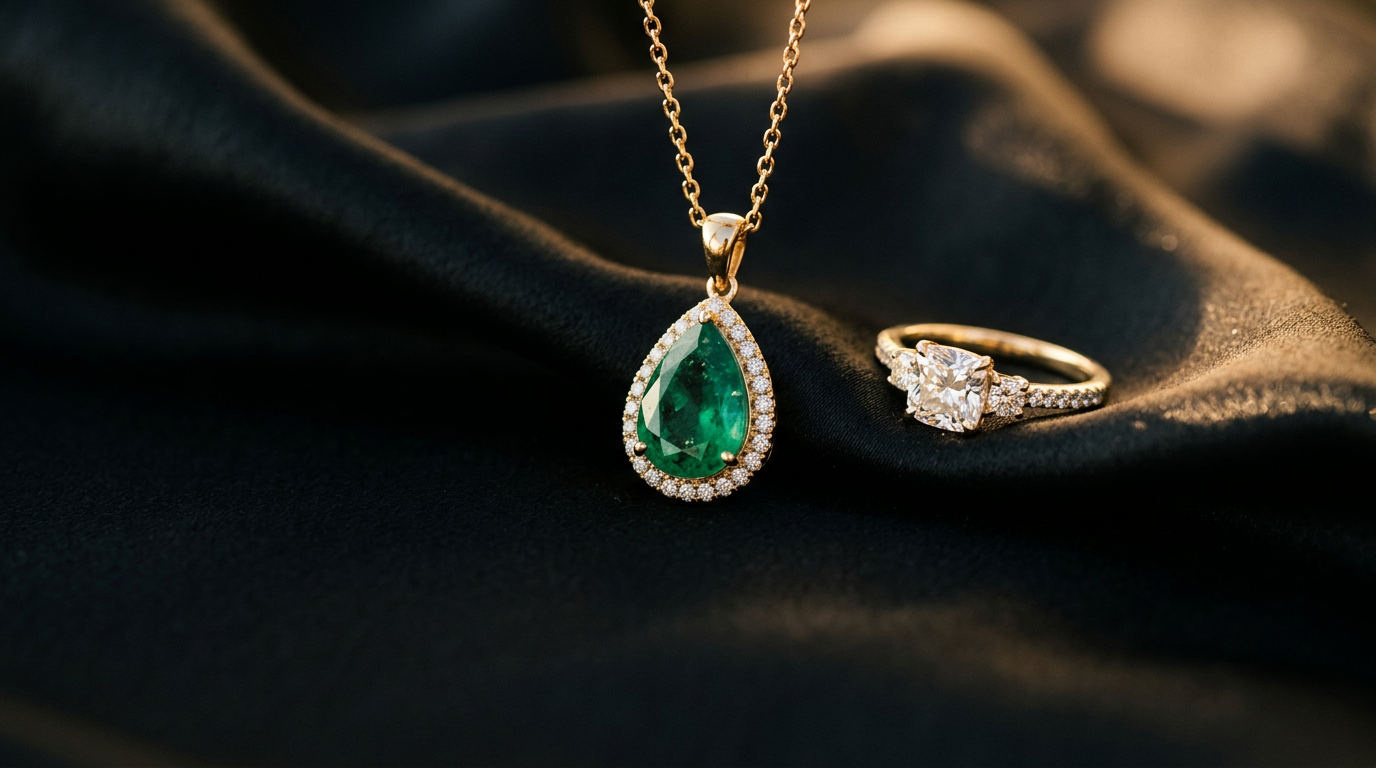
Free · runs in your browser
Better jewellery photos from AI, without changing a single stone.
The generator
Only the piece type is required. Every prompt opens with a lock that tells the AI not to touch the jewellery.
Angle of each reference photo (optional)
Extra tools
Change any option above and everything here updates too.
Five prompts for one product page, each with the same lock.
When the AI drifts, paste one of these into the same chat.
For tools with a negative prompt field, or to add after "Avoid:".
How to use it
01
Before
The AI can only keep what it can see clearly.
02
More angles
Send originals from WhatsApp as a Document, not a photo, because compression blurs tiny pavé stones.
03
Upload
Photo first, prompt second, in the same message.
04
Edit
Background first, then light, then model.
05
Check
Check every stone, prong and link against the original.
06
Fix
Or start a fresh chat with the original photo.
07
Fallback
Then layer the original cut-out on top in Photoroom, Canva or remove.bg.
08
Pick the tool
Photoroom keeps the real photo for clean marketplace shots; Gemini is best for on-model and creative scenes.
In Photoroom's 2026 test of 4,250 AI model photos, even the best general AI kept the product fully intact only about 29% of the time, so always check before posting.
Legal
Last updated 5 November 2026.
Jewellery Prompt Studio is operated by Mayas Ötegen (MidnightLab), Dubai, United Arab Emirates.
We follow the UAE Personal Data Protection Law (Federal Decree-Law No. 45 of 2021). For visitors elsewhere, the same applies under the EU/UK GDPR and the California CCPA/CPRA: we do not collect, sell or share personal information. You keep every right these laws give you, including to ask what we hold (nothing), to correct or delete it, and to complain to your data protection authority.
Contact: hello@midnightlab.dev
We aim to meet WCAG 2.1 level AA. Every option works by keyboard, controls are labelled for screen readers, text meets contrast minimums in light and dark mode, and motion is reduced when your system asks for it.
If something is hard to use, email hello@midnightlab.dev and we will fix it.